
A library for everything you mean to read.
Scribe gathers articles, PDFs, essays and books into one Mac app. It files them on shelves, keeps a short stack of what you’re reading now, and holds your highlights and notes the same way whatever the format.
Top of your stack
Middlemarch
George Eliot. You are a third of the way in, with 9 hr left.
Pick up where you left off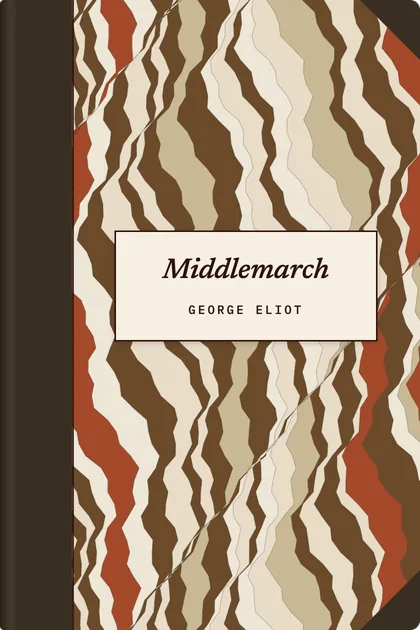
Your stack
5 pieces · 14 hr to goThe few things you are reading in rotation. Reorder them, or take one off when you have had your fill.
- First
Middlemarch22 hr
- Second
How to Read a Difficult Book14 min
- Third
On the Shortness of Life1 hr
- Fourth
The Physics of Clouds38 min
Categories
Eight categories, each with its own colours and its own style of cover. Hover the little shelves to read the spines; open one to see everything in it.
Philosophy
4 begun · 19 unread
Fiction
3 begun · 16 unread
Science
2 begun · 13 unread
History
1 begun · 8 unread
Economics
12 unread
Technology
2 begun · 25 unread
Art & Culture
1 begun · 12 unread
Travel
1 begun · 7 unread
Catalogue
Showing 214 of 214, everything, A to Z.
Status
Everything 214
Begun 12
Unread 161
Finished 41
Kind
Article 92
Essay 58
PDF 37
EPUB 27
A Short History of Maps19 min
A Tramp Abroad14 hr
As We May Think35 min
Bleak House30 hr
Computing Machinery and Intelligence48 min
Essays30 hr
How to Read a Difficult Book14 min
Highlights
Sixty-two highlights from nineteen pieces; twenty carry a note.
On the Shortness of Life 3 highlights
It is not that we have a short time to live, but that we waste a lot of it.
The whole essay in one line.
Life is long if you know how to use it.
Middlemarch 2 highlights
The growing good of the world is partly dependent on unhistoric acts.
Finale. Come back to this.
Those tabs work. Today, Categories, Catalogue and Highlights are the whole of the app.
Your backlog deals you three.
Most read-later lists only grow. Scribe keeps a short stack of what you’re reading now and leaves the rest on a pile. Each day it deals three pieces from that pile, mixing in categories your stack hasn’t touched lately.
Add one to your stack, or put it off with Not now and it goes back on the pile for a while.
Every category gets a shelf of its own.
Open a category to see everything in it, from a row of spines up to full covers. Sort the shelf by length, colour or what arrived last, and see at a glance what you’ve begun and what’s still waiting.
Category · 31 hr of reading
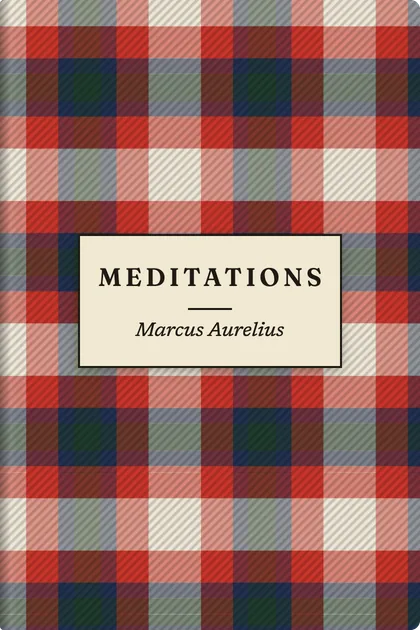
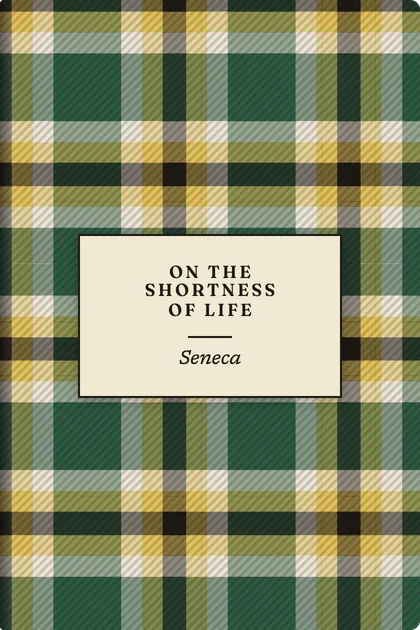
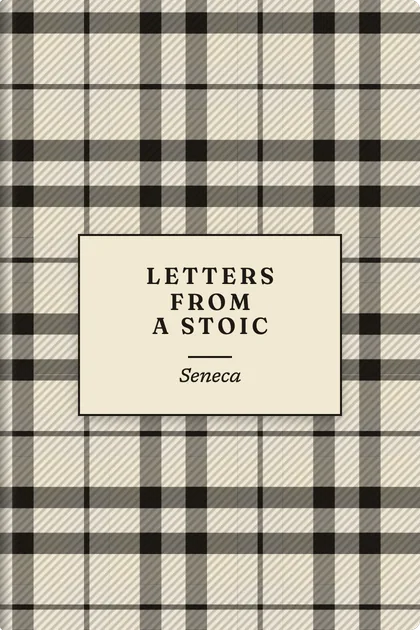
Each category dresses its books in its own style.
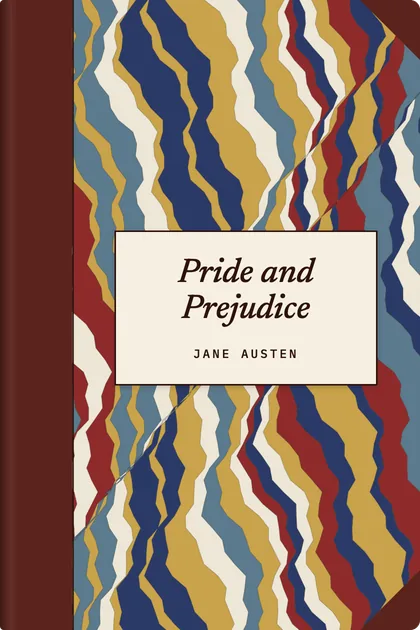
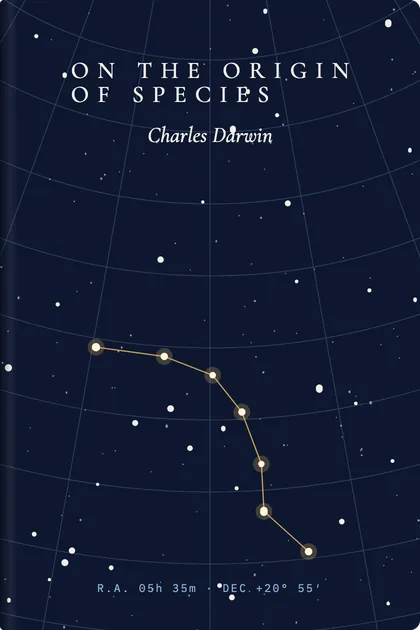
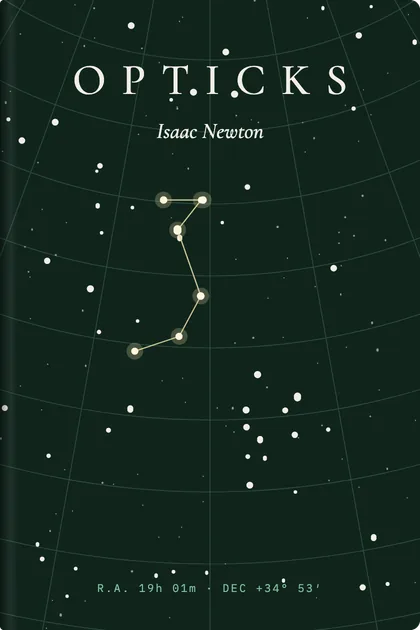
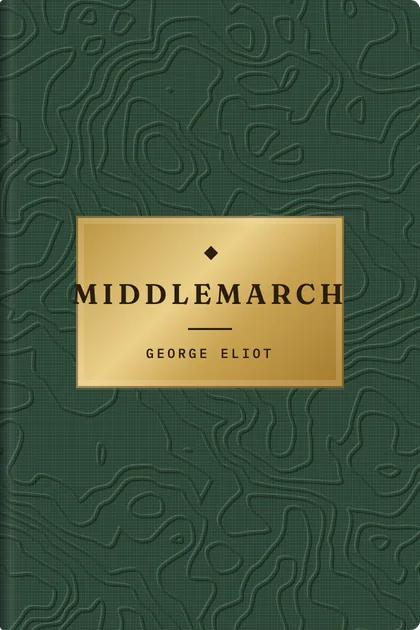
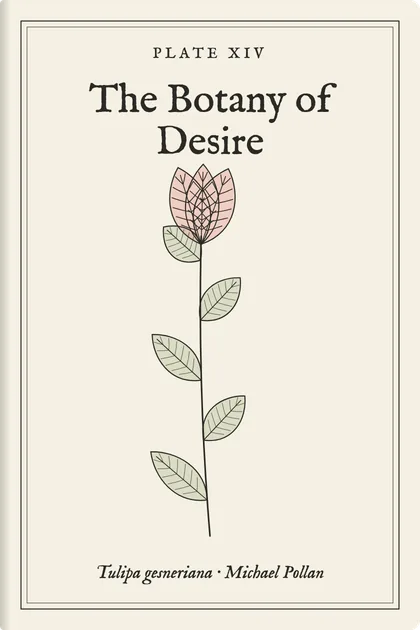
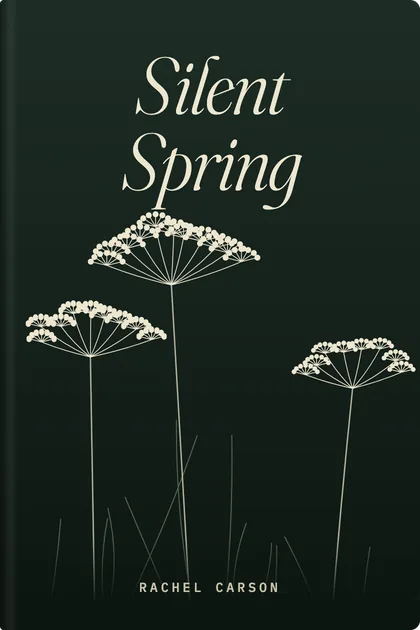
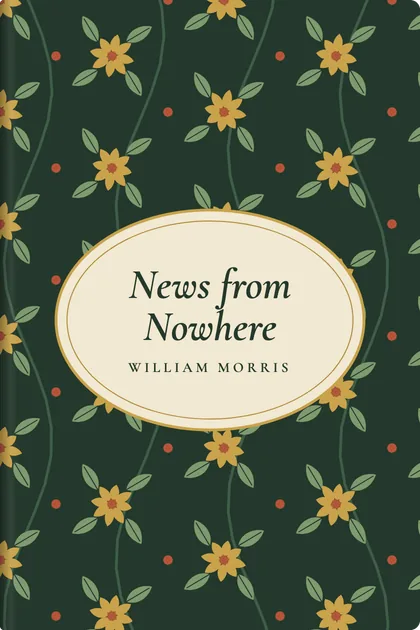
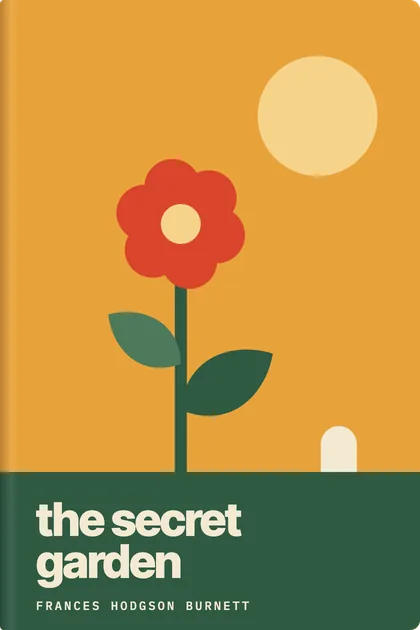
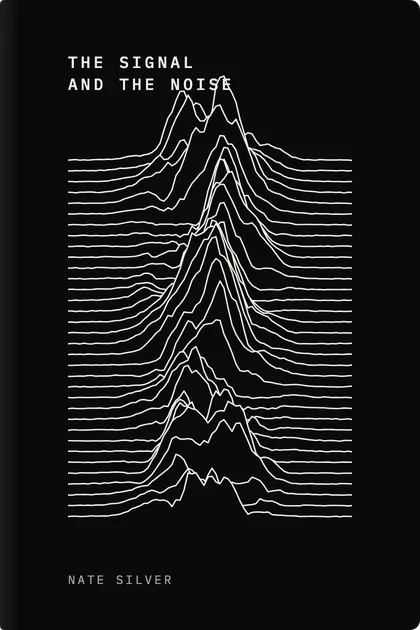
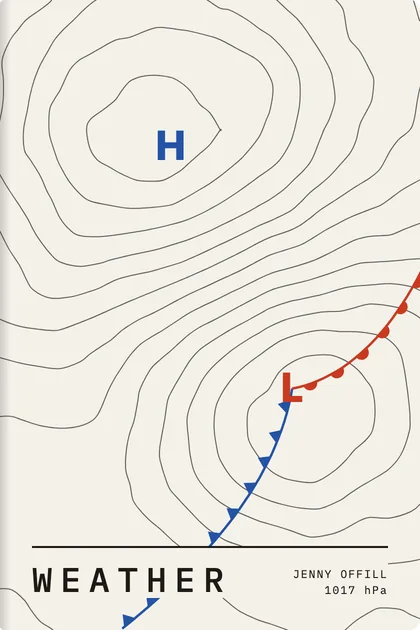
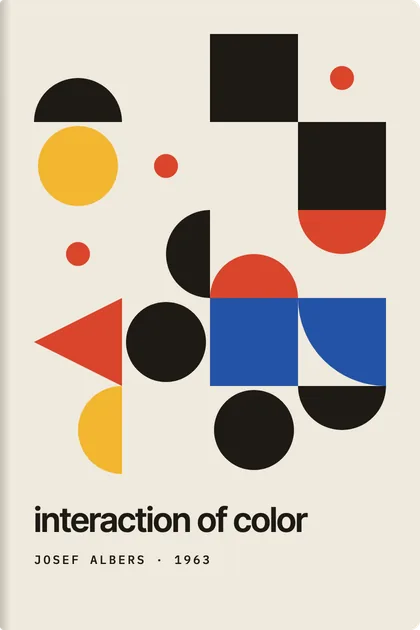
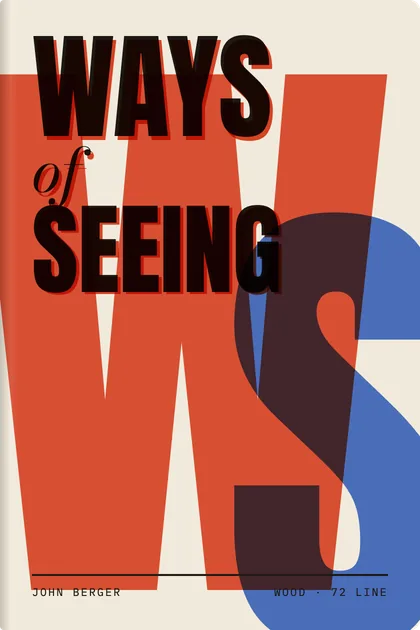
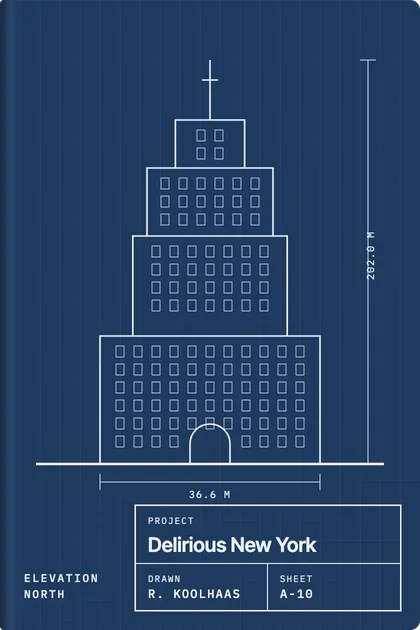
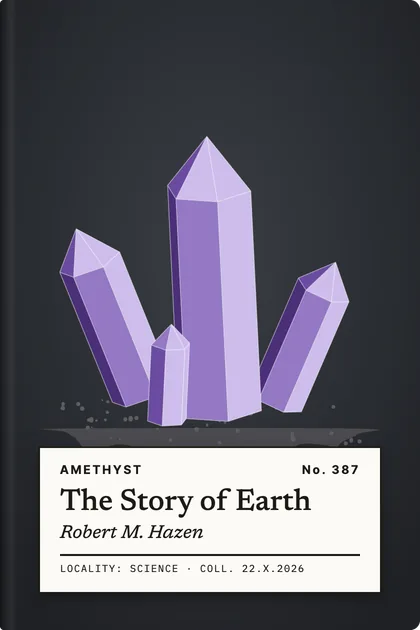
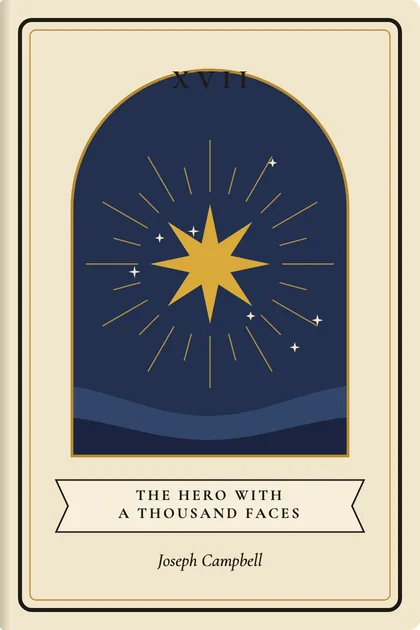
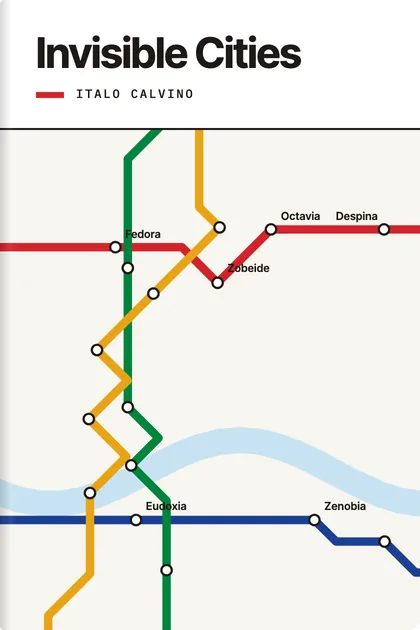
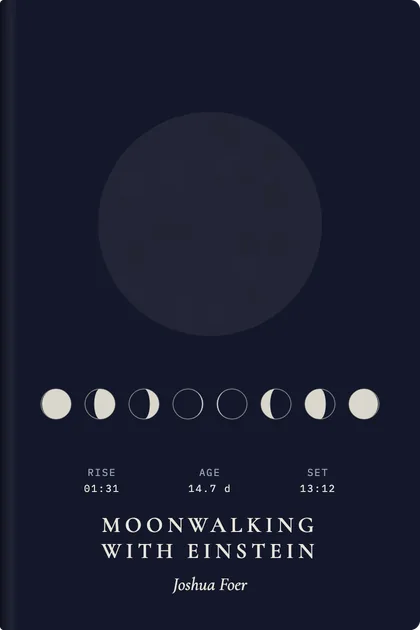
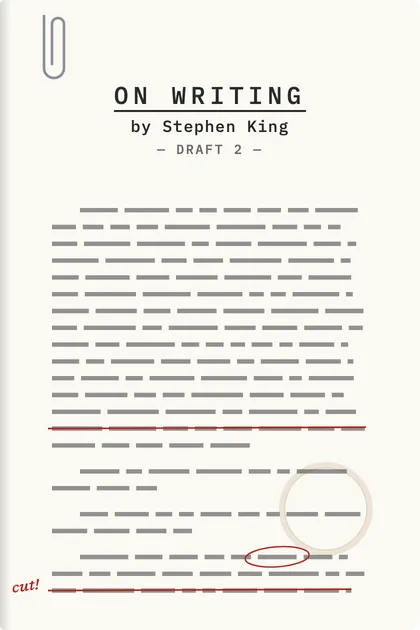
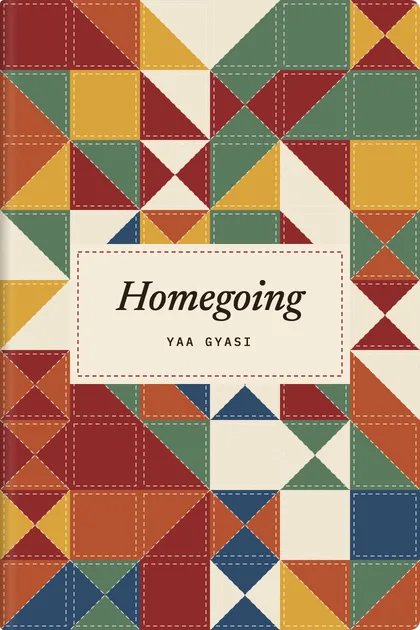
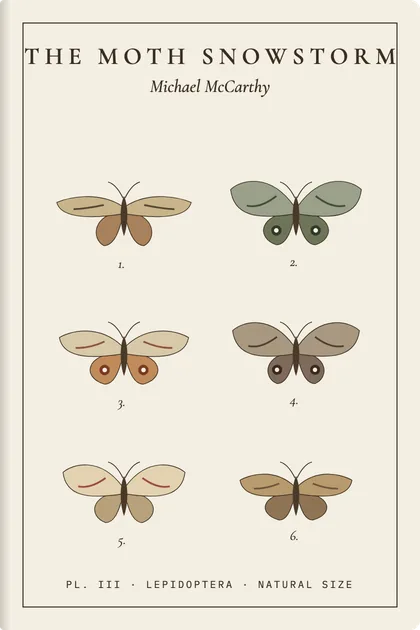
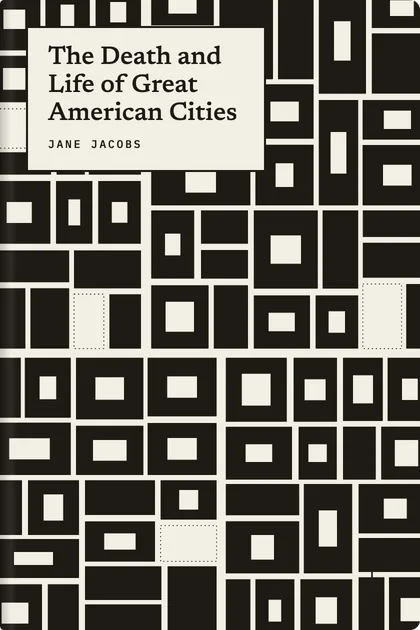
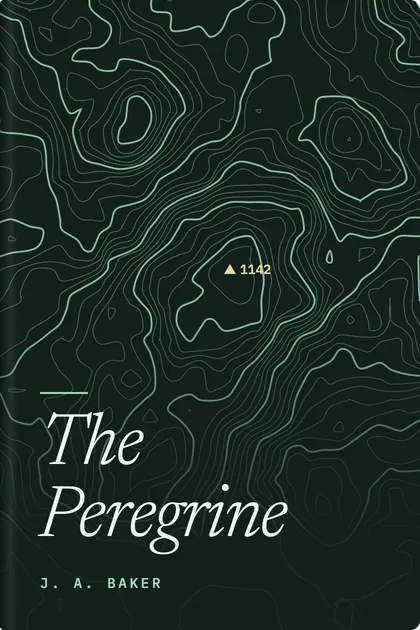
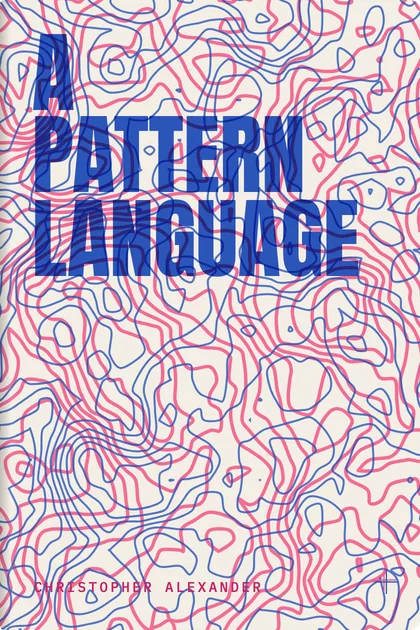
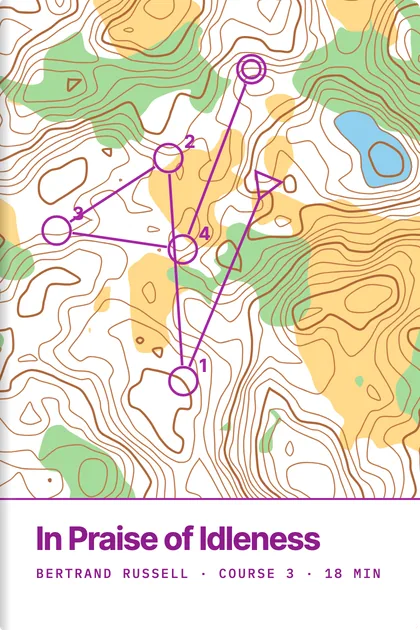
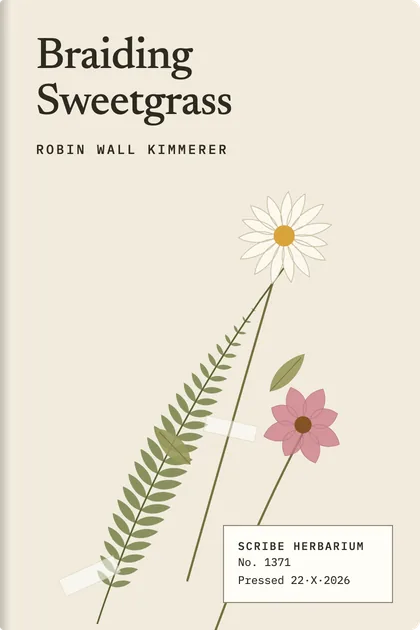
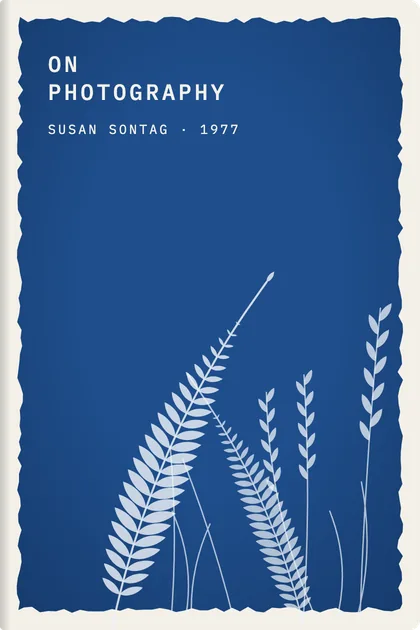
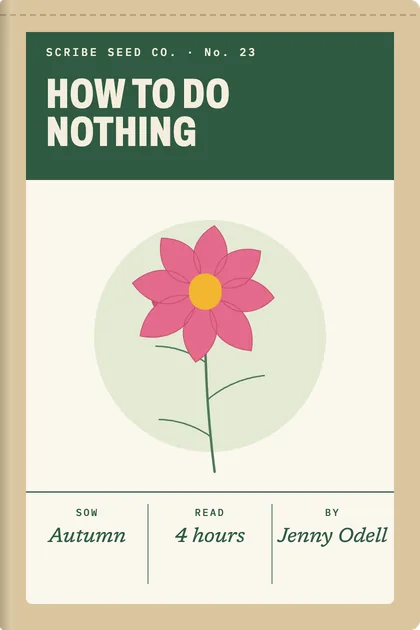
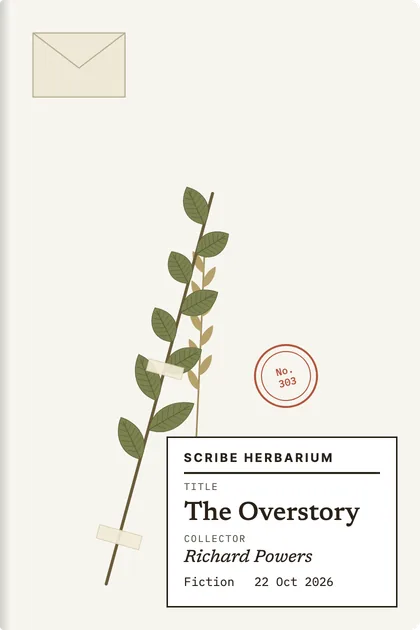
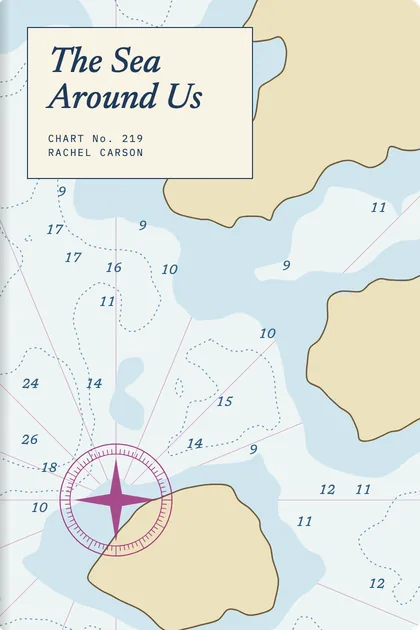
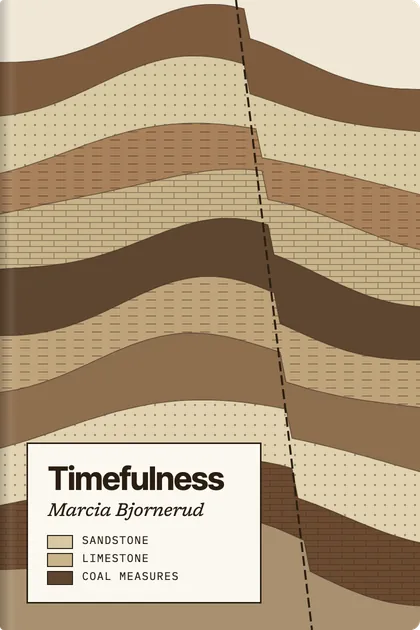
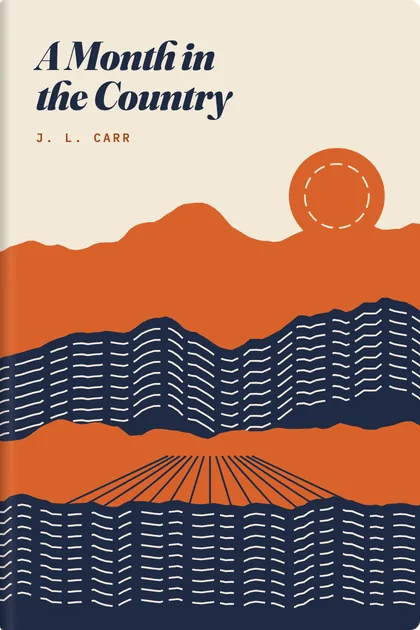
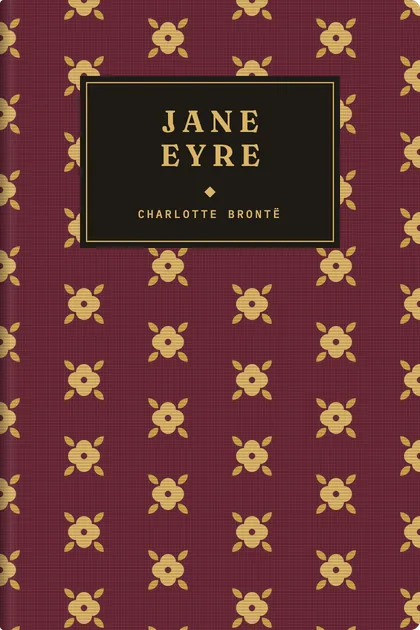
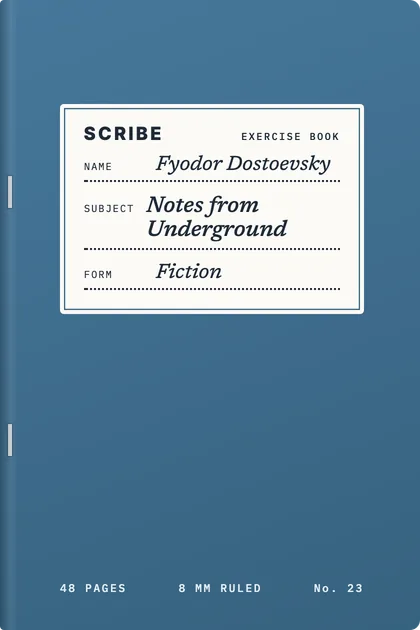
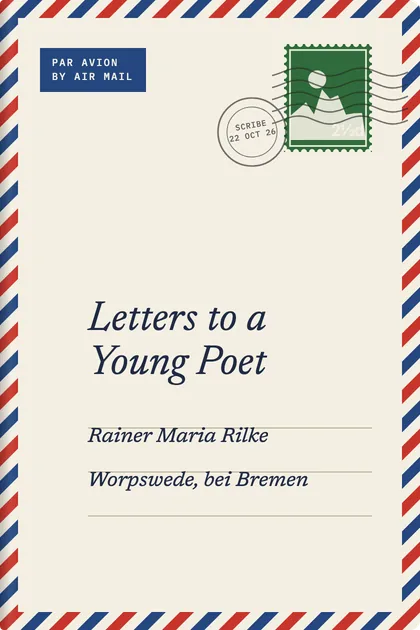
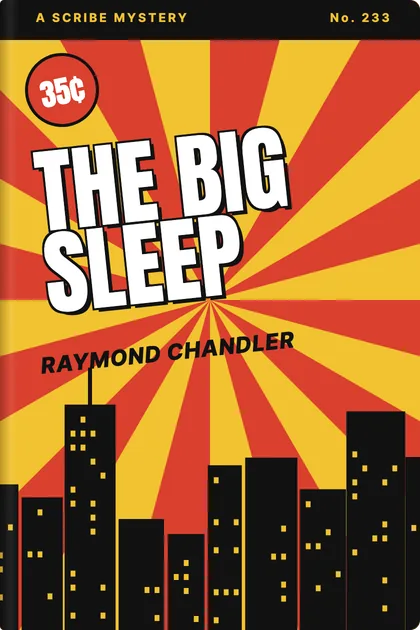
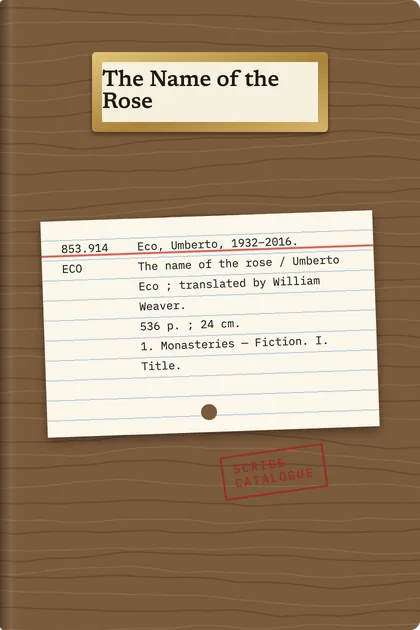
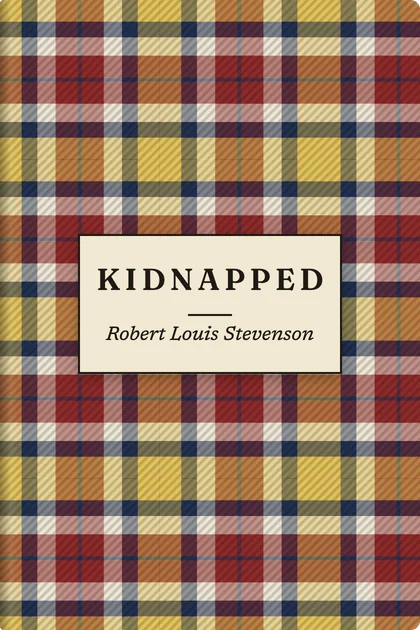
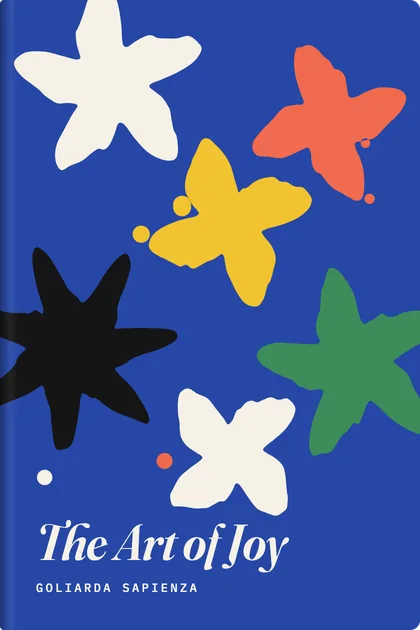
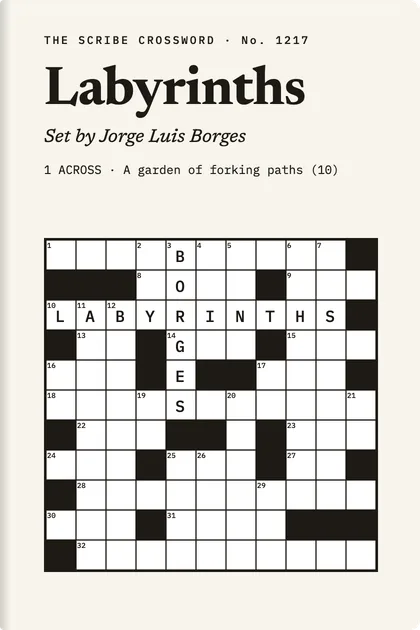
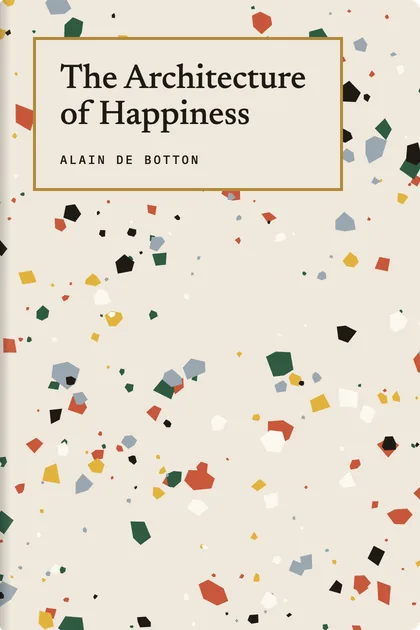
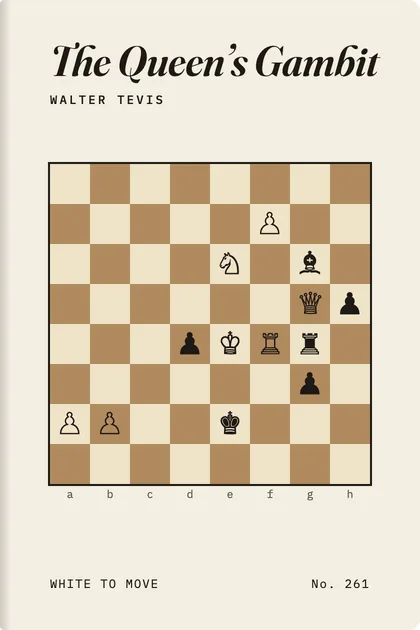
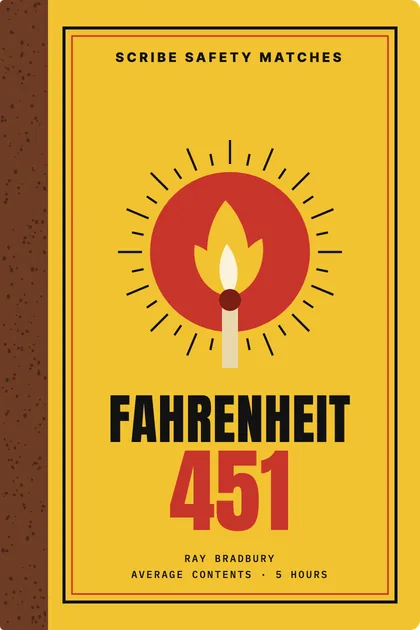
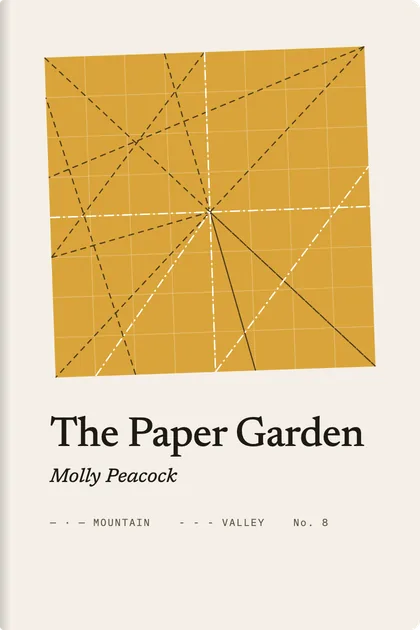
Scribe draws a cover for everything you save. Give each category a theme, a whole way of making a book, and every piece in it gets its own take on it: its own stretch of map, its own constellation, its own marbling. The shelf reads as a set, and no two books are the same.
Themes aren’t tied to subjects, so pick whichever you like for each category. A book with a good cover of its own can keep it.
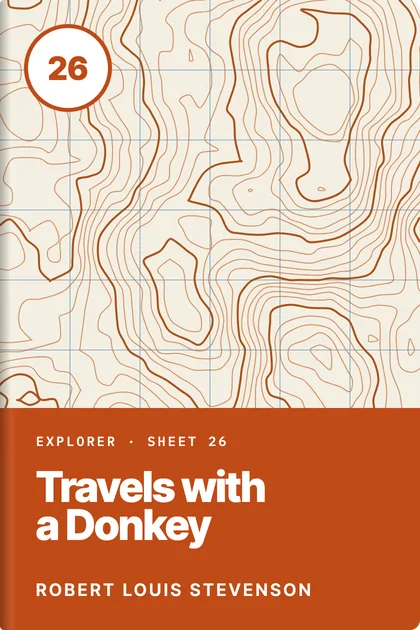
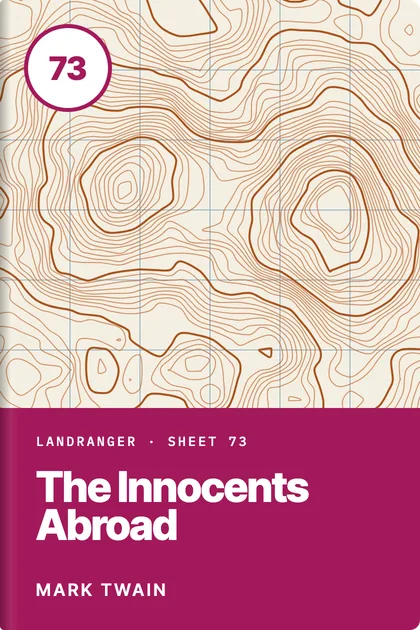
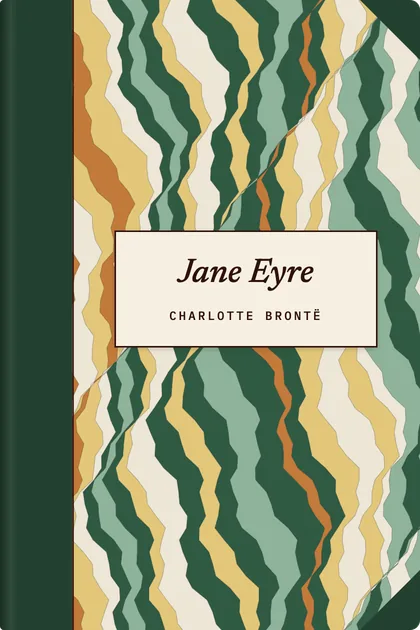
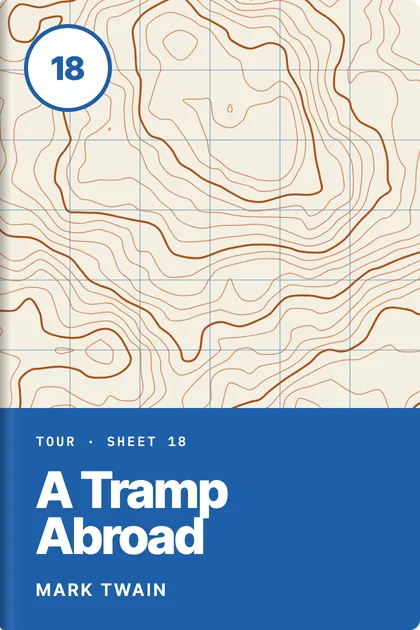
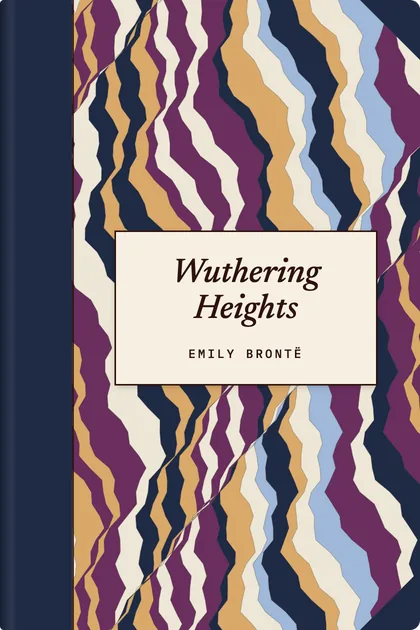
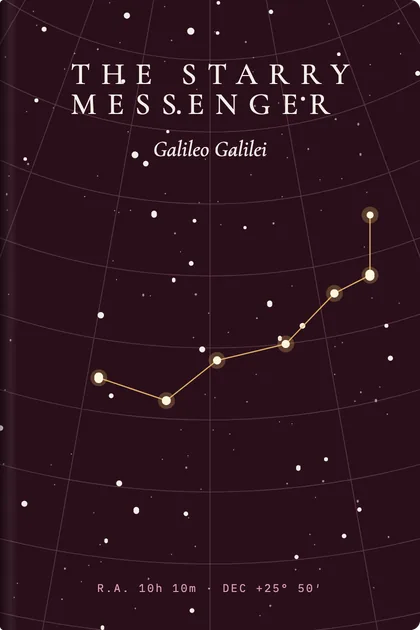
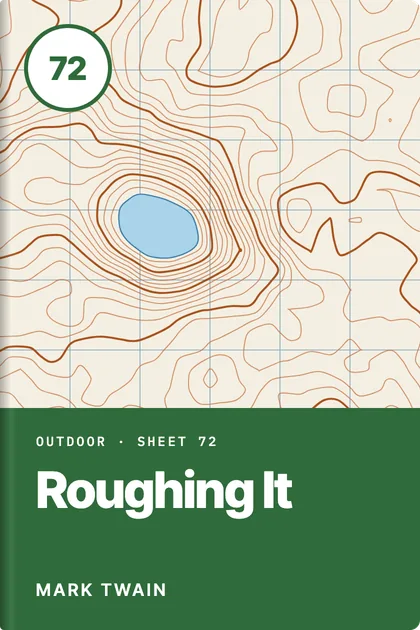
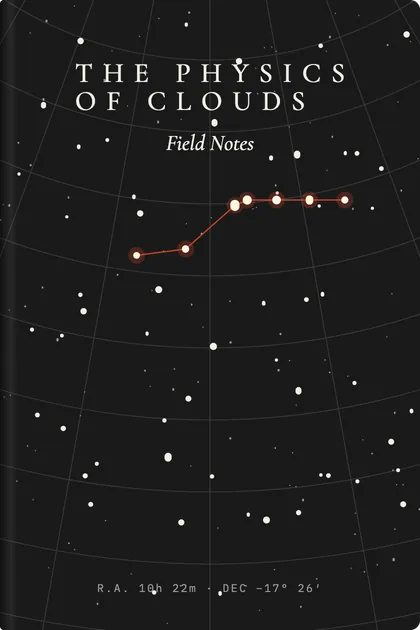
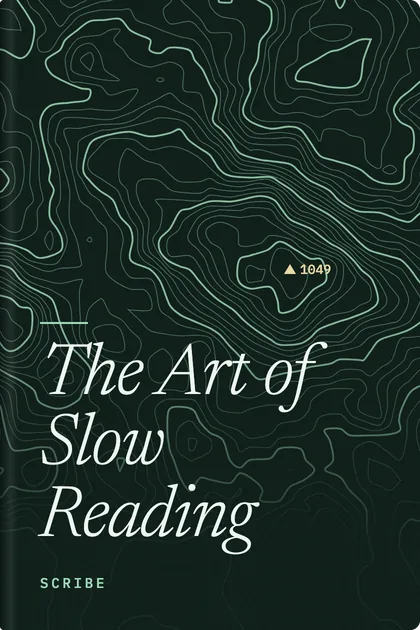
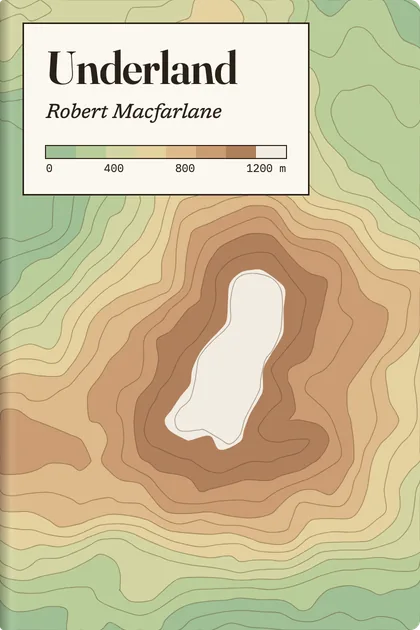
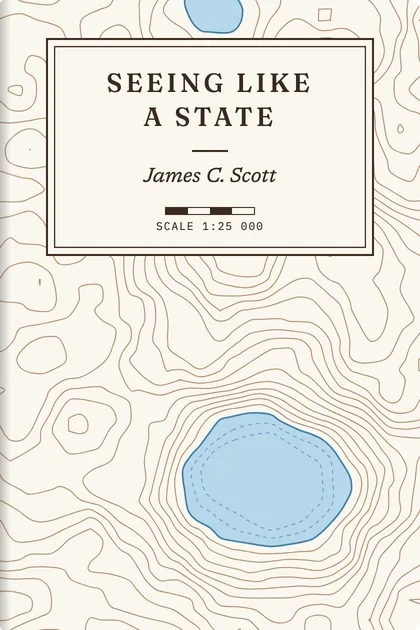
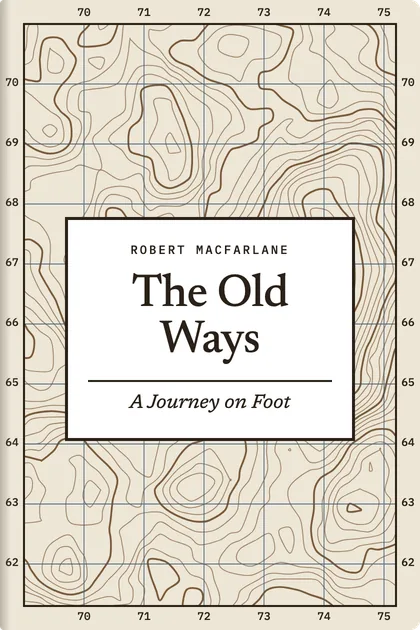
Here, Travel wears survey sheets. Every book gets its own terrain and sheet number.
Star charts, marbled boards, airmail envelopes, crosswords, cyanotypes: there’s a theme for every kind of shelf.


Your notes sit in the margin, beside the line they’re about.
Open a piece and its cover swings open onto the page. Highlight in five colours, add a note, and find it again from the Highlights tab. Articles, EPUB chapters and PDFs all work the same way, and Scribe remembers your place to the line.
The Physics of Clouds
A cloud is a lake that has learned to float. A modest cumulus, the kind that drifts over a summer field, holds something like five hundred tonnes of water, spread so thinly through the air that no single droplet is heavy enough to fall far.
What keeps it aloft is not lightness but motion: rising air, warmed by the ground, carrying droplets upward faster than they can fall.
Bring in anything worth reading.
Save an article from its link and Scribe keeps a clean copy with its images, so it outlasts the page it came from. Drop in a PDF or an EPUB and it lands on the right shelf. Search reaches inside all of it.
Your library stays on your Mac.
There’s no account to make and nothing to sign in to. Scribe doesn’t track what you read, and your library lives in a folder on your own disk. How Scribe handles your data
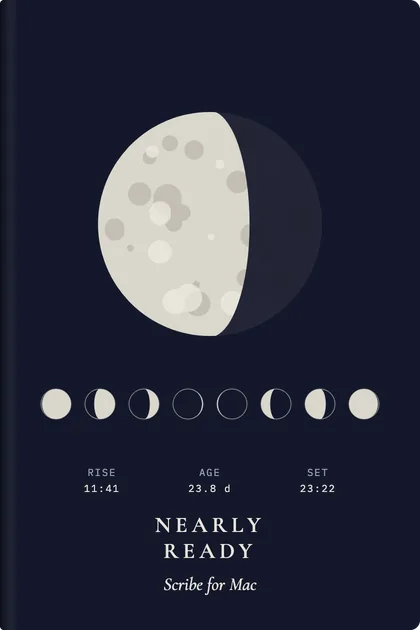
Nearly ready.
Scribe is being finished now. When it’s done, the download will be on this page.